Today we would like to introduce an awesome app from playstore.
Its better than ADM and IDM
you need to follow some steps after installation.
- Install and open (click here to download)
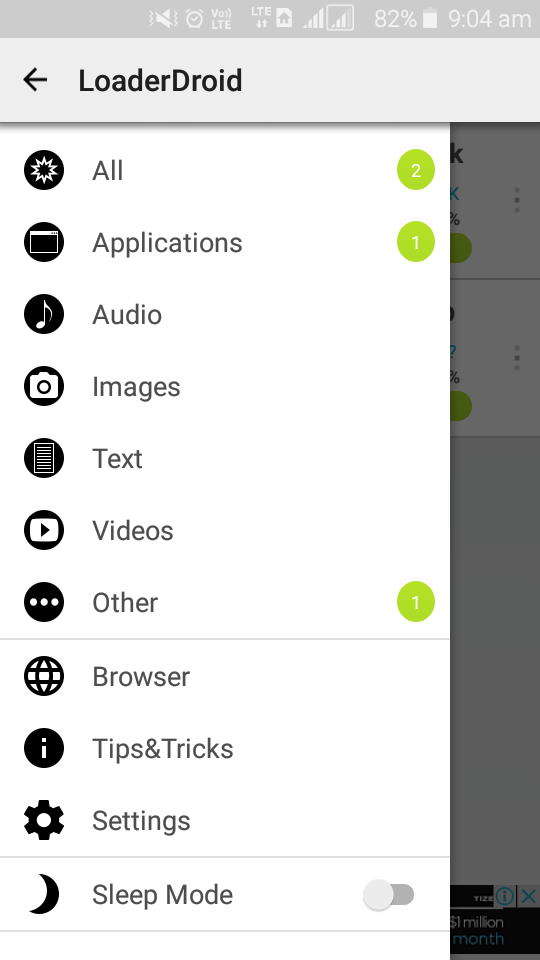
- go to settings
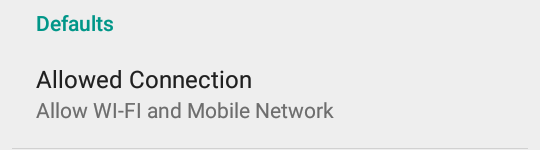
- set Allowed Comnectio > Allow Wi-Fi and Mobile Network
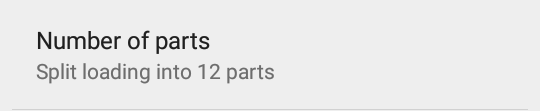
- Number of parts > split loading into 12 parts
- Enable Show advanced preferences
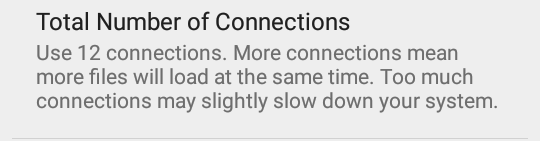
- set Total number of connections > 12 connections
- Back to main screen and press ‘+’ button
- Paste download link there
- press Start. thats all


 ROOM.TECH.blog